
Coming soon to iPhone
Know what to eat first.
Add food in seconds, get one reminder a day, and stop throwing food and money away.
Everything you need, nothing you don't
Keep scrolling to see each step in the app.
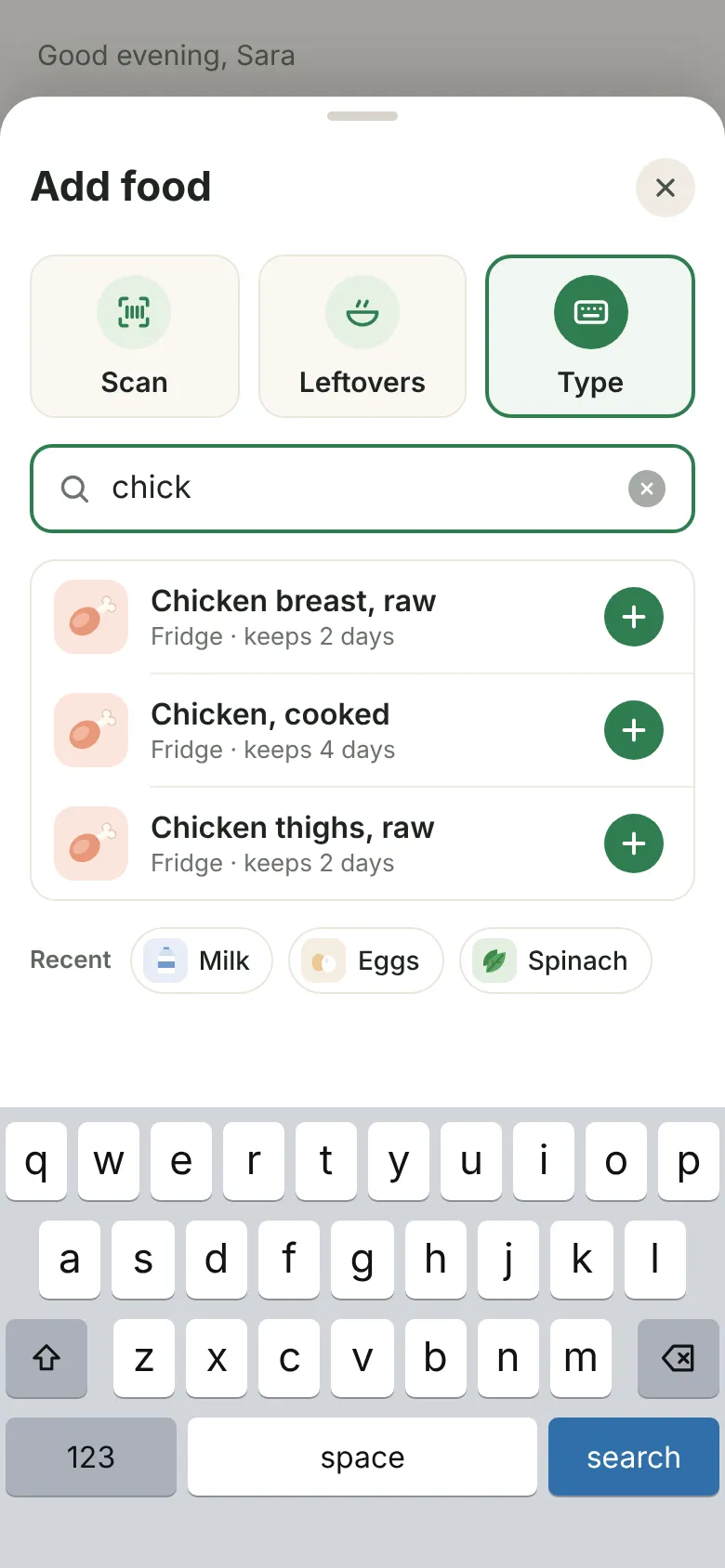
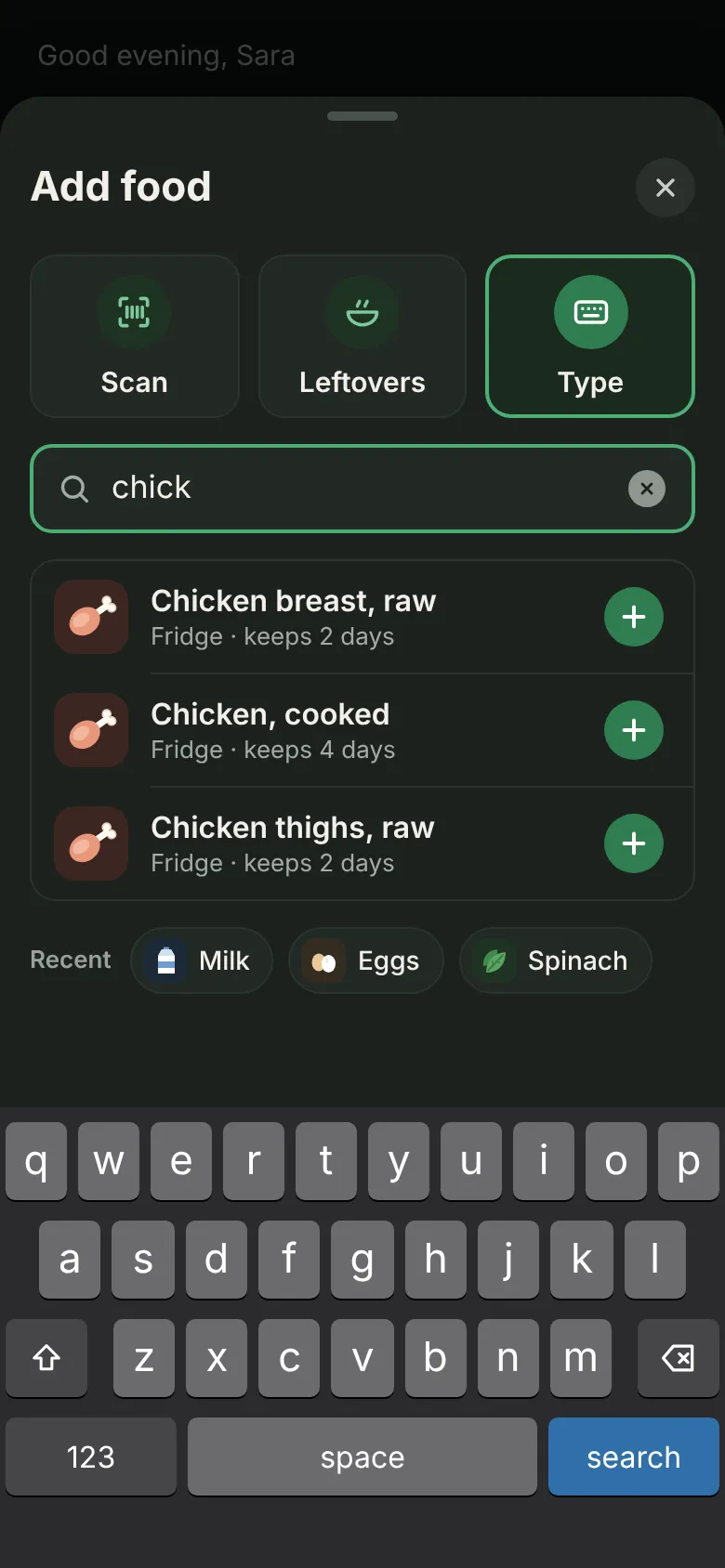
- 1Add food in secondsScan a barcode, pick from your leftovers, or just type. TossLess fills in how long it keeps.
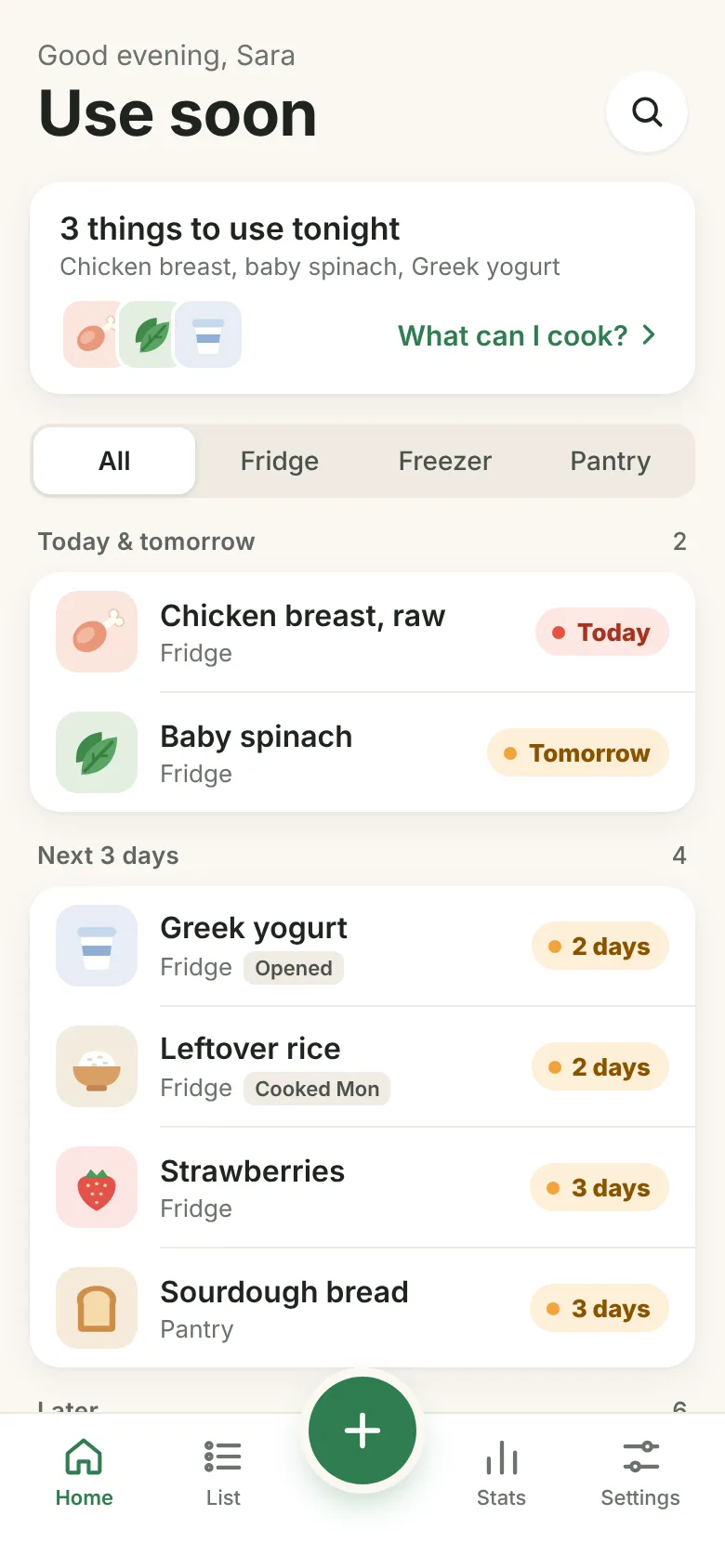
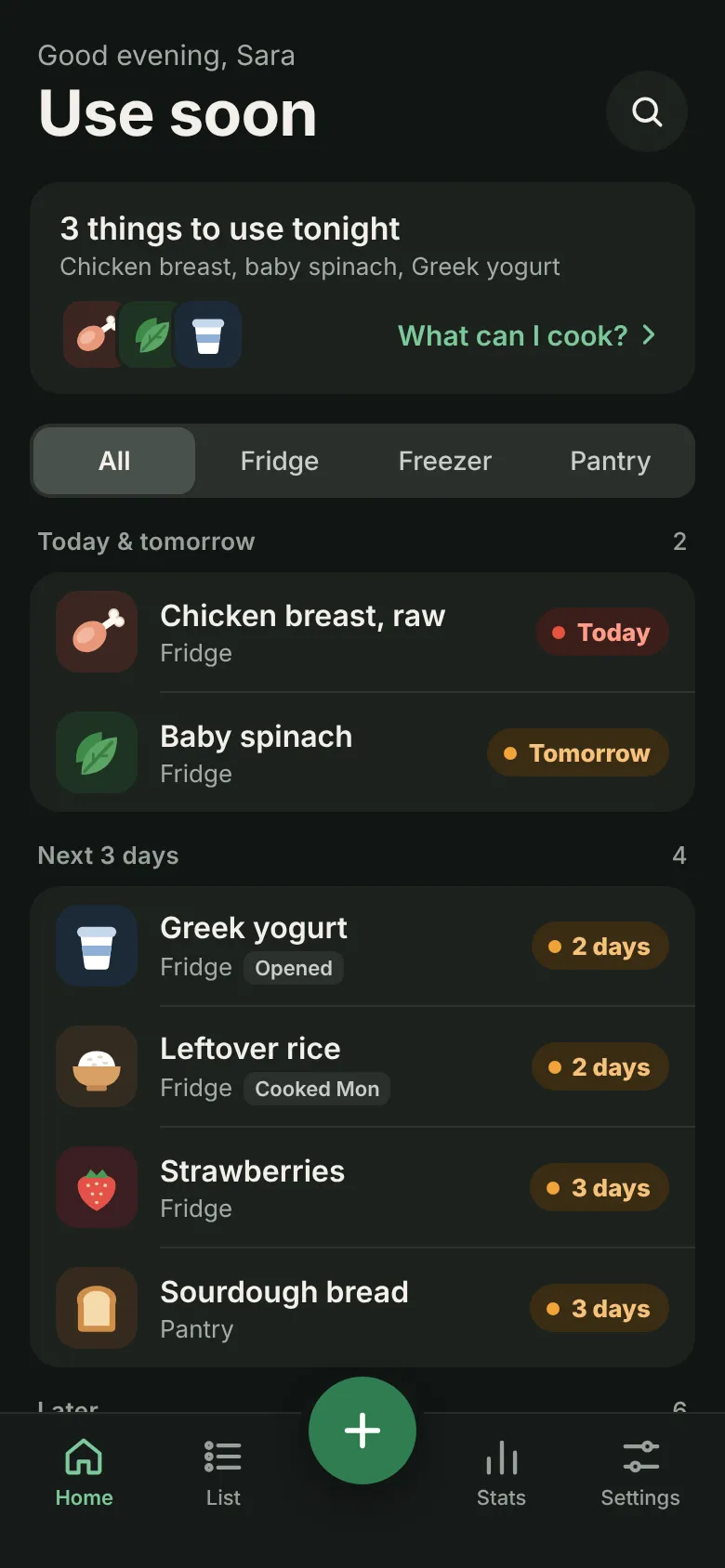
- 2See what to eat firstYour home screen sorts everything by when it needs eating: today, tomorrow, then the next few days.
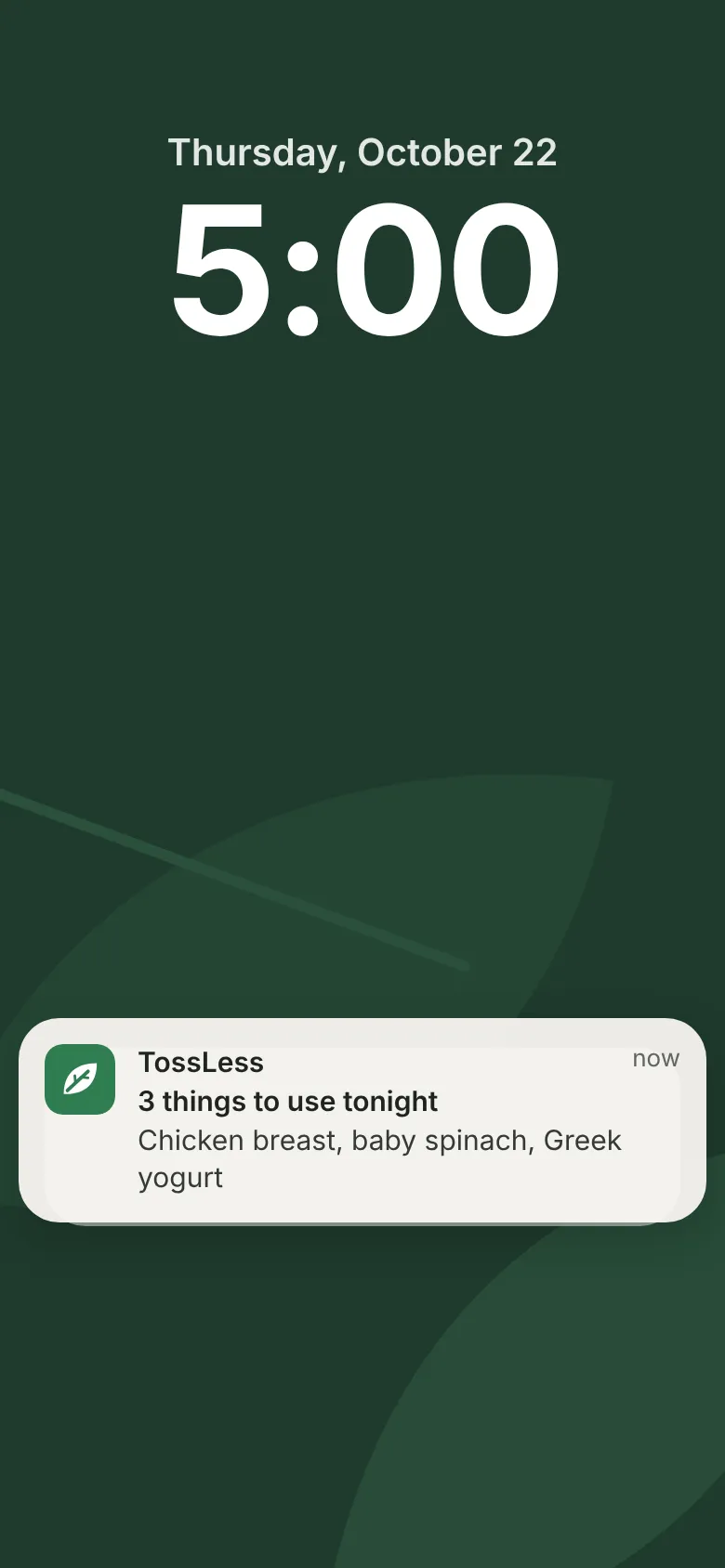
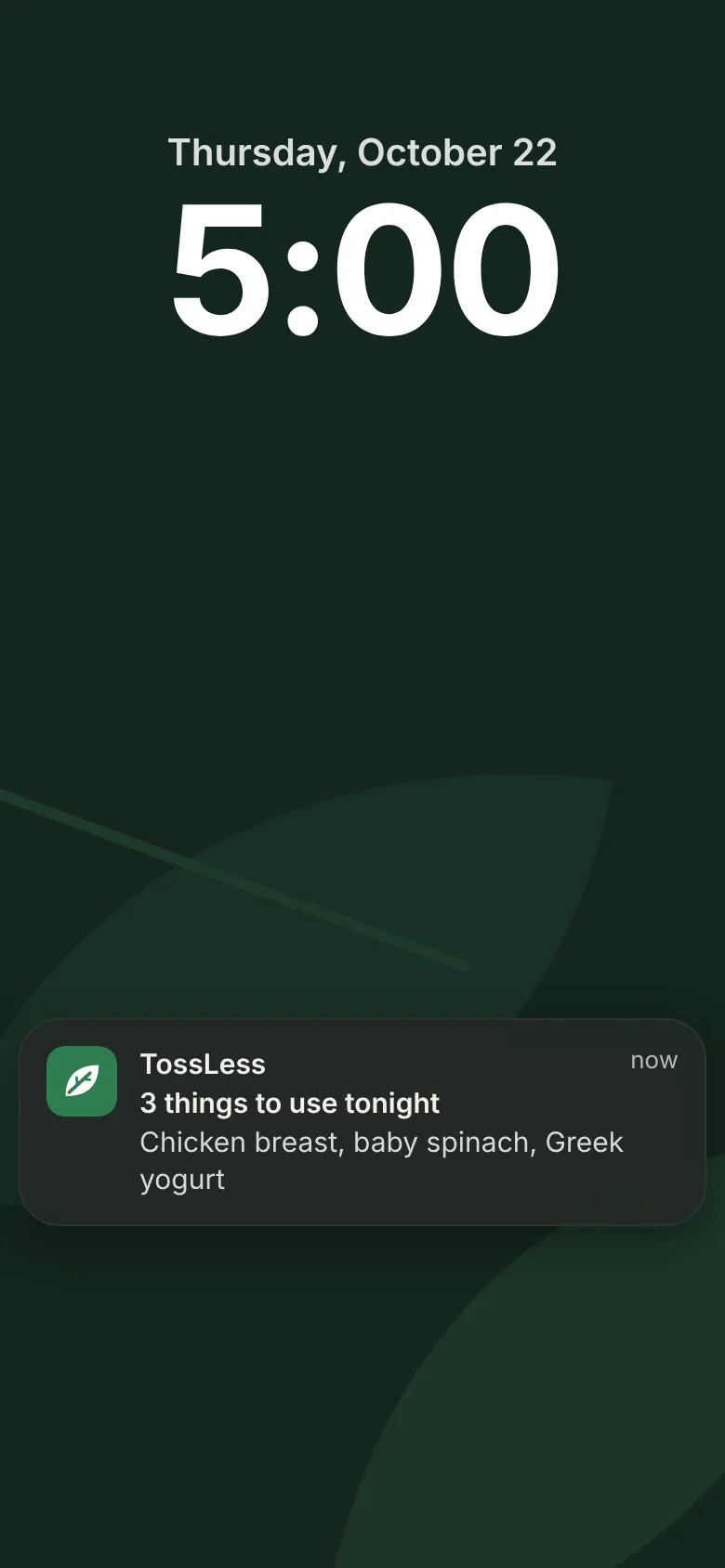
- 3Get one reminder a dayOne notification tells you what to use tonight. No nagging, no pile of alerts.
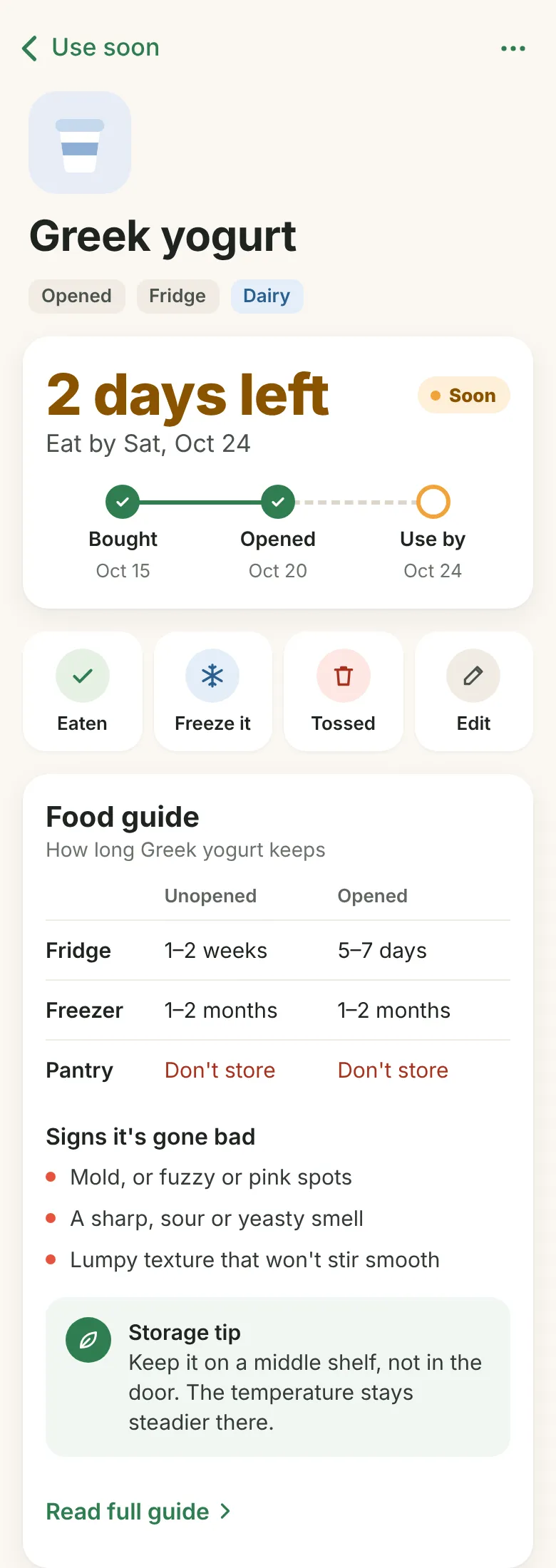
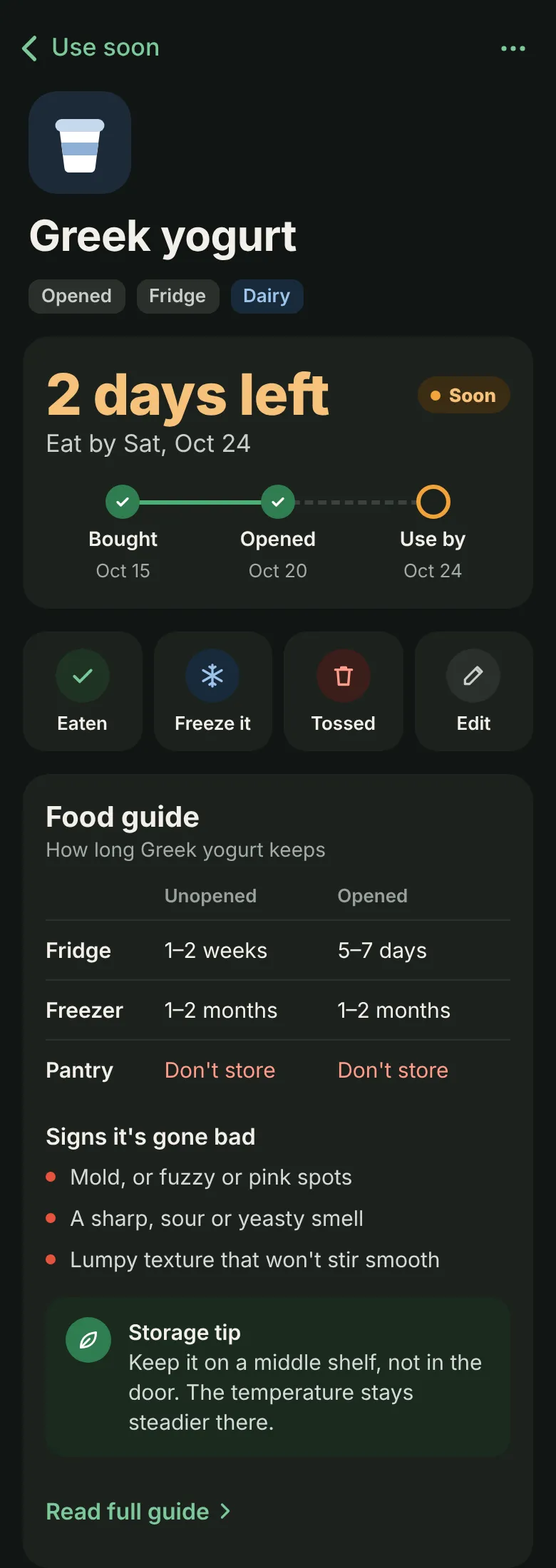
- 4Know every itemOpen any item to see the days left, then mark it eaten, freeze it, or tossed.
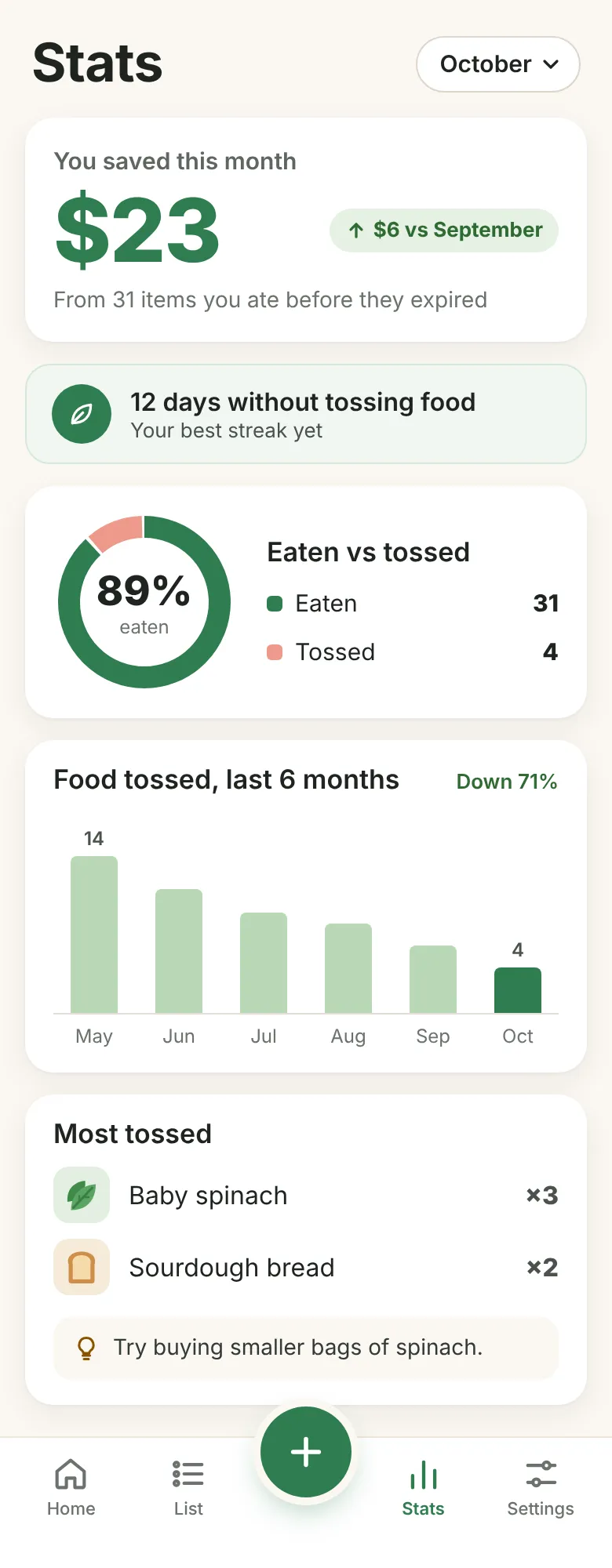
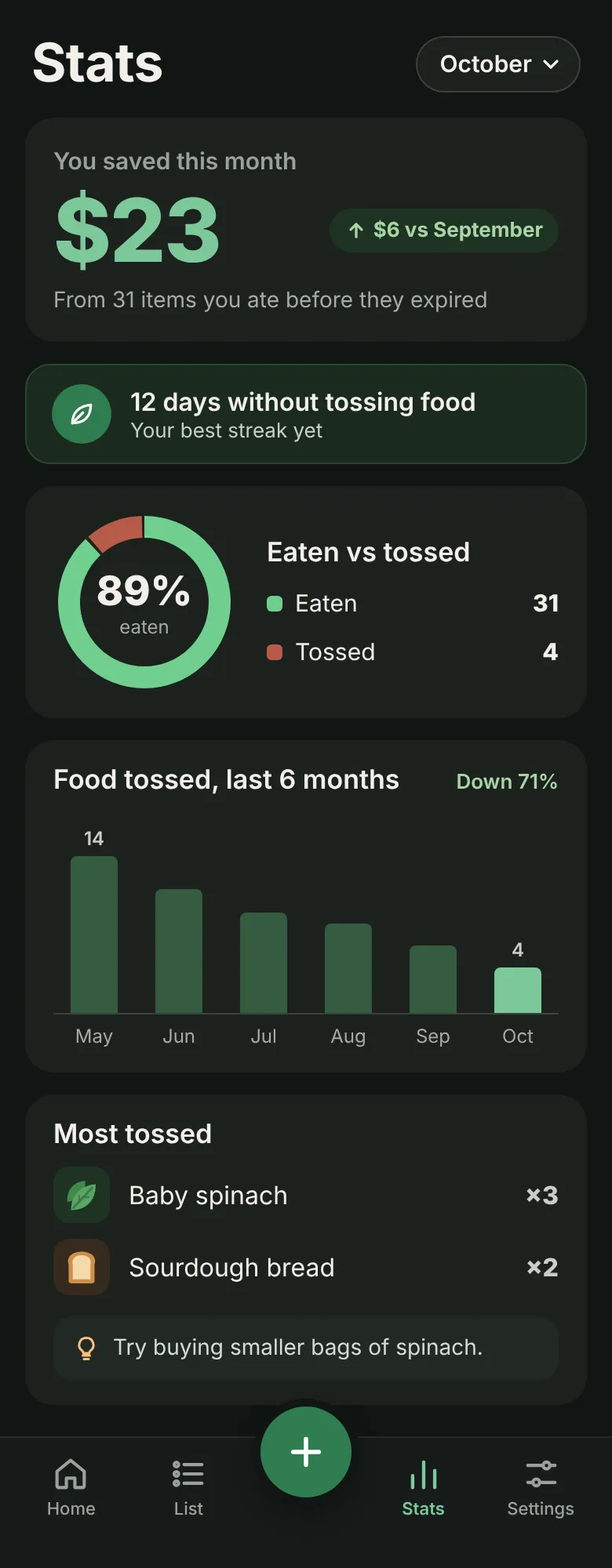
- 5See what you saveStats show how much food you ate before it expired, and how your waste is trending over time.
Built to fit into your day
Seconds, not minutes
Adding food takes a few taps, so you actually keep it up. No spreadsheets, no setup marathon.
One nudge, not ten
A single reminder a day, timed when you choose. It tells you what to eat, then gets out of the way.
See the difference
Watch what you save and what still gets tossed, so the habit pays off in plain numbers.
Get notified when TossLess launches
Latest articles
Articles on food storage and food waste are on the way.